
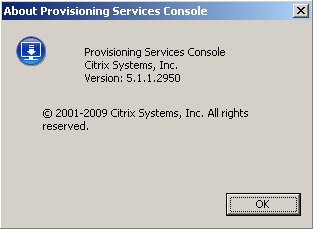
The Provisioning Services 5.1 SP1 is available for download and I would like to share my upgrade experience. If you read the install documentation you will see many upgrade scenarios. I first tried upgrading the Target Device software using Hyper V, but this resulted in blue screen x7B (Works perfect with PVS 5.1). I also tried using vhdconverter.exe on a PVS 5.o SP2 vDisk image, but then servers would not boot. So after back and forth I ended up with this upgrade path :
Note : If you have done all your updates to the Golden Image vDisk you would first have to Image Back to Master Target Devices Hard Drive, see DocsInstall.pdf page 88.
Upgrading the Provisioning Services Server :
- Shutdown all running VM’s
- Uninstall previous version of Citrix Provisioning Services
- Install PVS 5.1 SP1 & join existing farm
Upgrade Target Device Software :
- Disable the Master Target Device (Golden Image server)
- Boot Master Target from Locale Hard Disk
- Uninstall existing version and reboot
- Run DevicePVS_Device.exe from the PVS 5.1 SP1 media (XenConvert is automatically updated to version 2.02)
- Enable the Master Target Device, set vDisk to Private Mode and reboot
- Create a new vDisk with XenConvert.
Your Target Device Software should now look like this :

Licensing issues with Citrix Essentials for XenServer and Provisioning Services has now been solved in SP1. Please note that this did work before I updated the Target Device Software. Just in case you have this issue, but don’t have time / problems updating the Target Device software.
Nice article. I was actually working on a similar one. Had the same experience as you except instead of joining the farm I selected farm already configured.