

The Citrix GoToManage iPad App that was announced at Citrix Synergy 2011 is now available on the App Store. This app will make it much easier for administrators to support end users from anywhere in the world. You can try the app today by signing up for an account at the GoToManage website. The current version doesn’t support sign-up from the iPad app.

Simply install the GoToAssist client on your computer(s) and you’re ready to go.

From the iPad app you got many options in terms of support.
- Connect to Windows machines in your inventory
- Start a support session and direct your customer to www.fastsupport.com
- Send an email with the necessary information to your customer
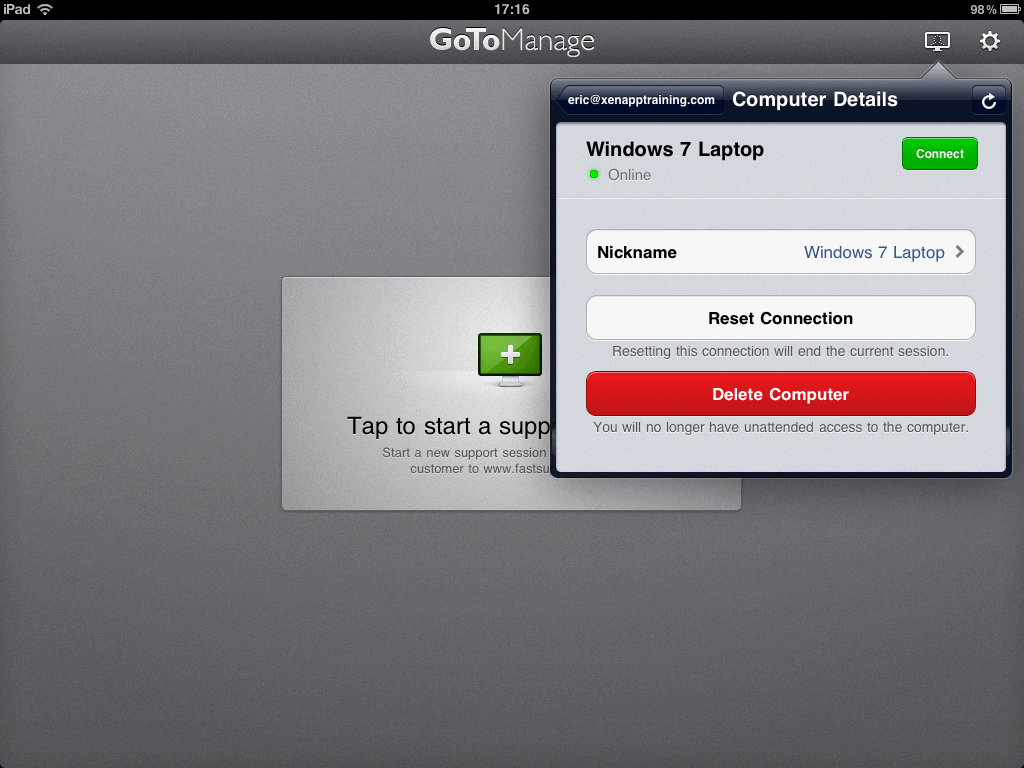

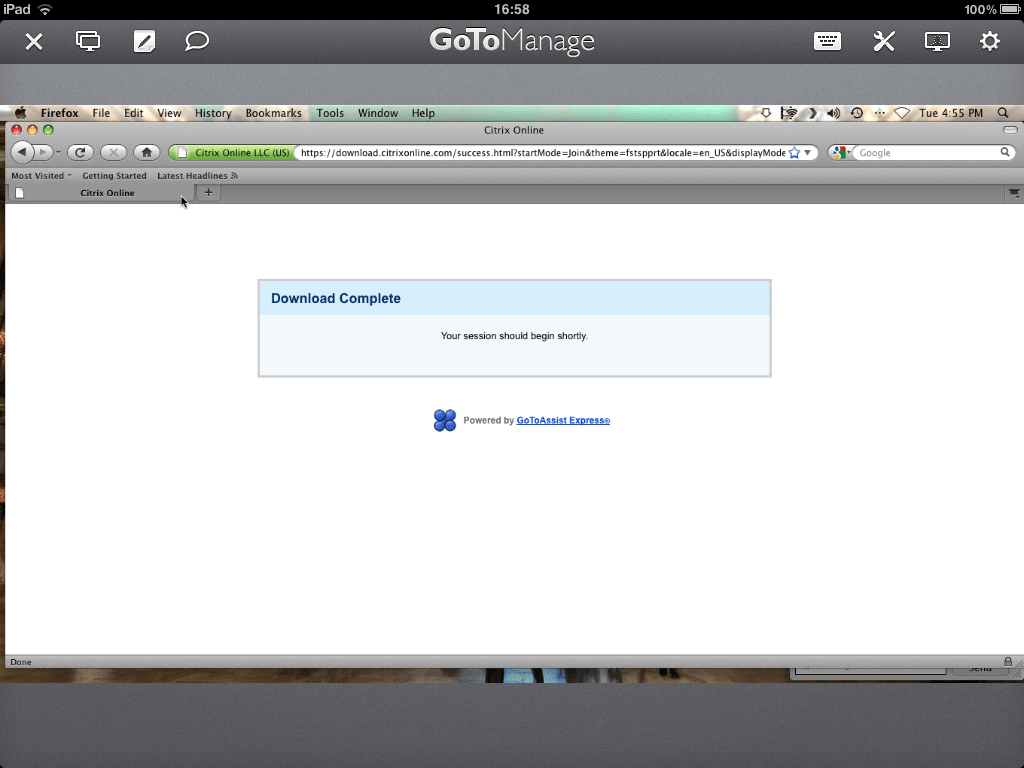
The iPad app worked smooth to my Windows 7 and Mac OSX machine. The Unattended Installer currently only support Windows machines. This is clearly an enterprise app with a price tag of $660 per technician/year. The Citrix GoToManage application compete with similar services from companies like Bomgar and TeamViewer.
Update :
Thanks to Tim Arenz for providing me with the link to the free account. Citrix have different plans. If you only need to provide live support from the iPad then use the GoToManage Free Mobile Plan.
What’s your favorite iPad Remote Support Application? Please share your experience in the comment below.
Using the following link you can create a free iPad only GoToManage account. Tried it yesterday and it works like charme.
Just go to http://www.gotomanage.com/remote_support/ipad and than click “Get Free iPad Account”. fill in your credentials and you are good to go.
Tim
Thanks Tim, I’ve updated the article – This was a hidden nugget that was not easy to see in the Plans & Pricing.
Fix the mouse controll so it’s like citrix receivers trackpad mode, logmein, or others and you would have a winner. Until then it’s to much work to mouse around. (zoom click zoom click zoom …ect)